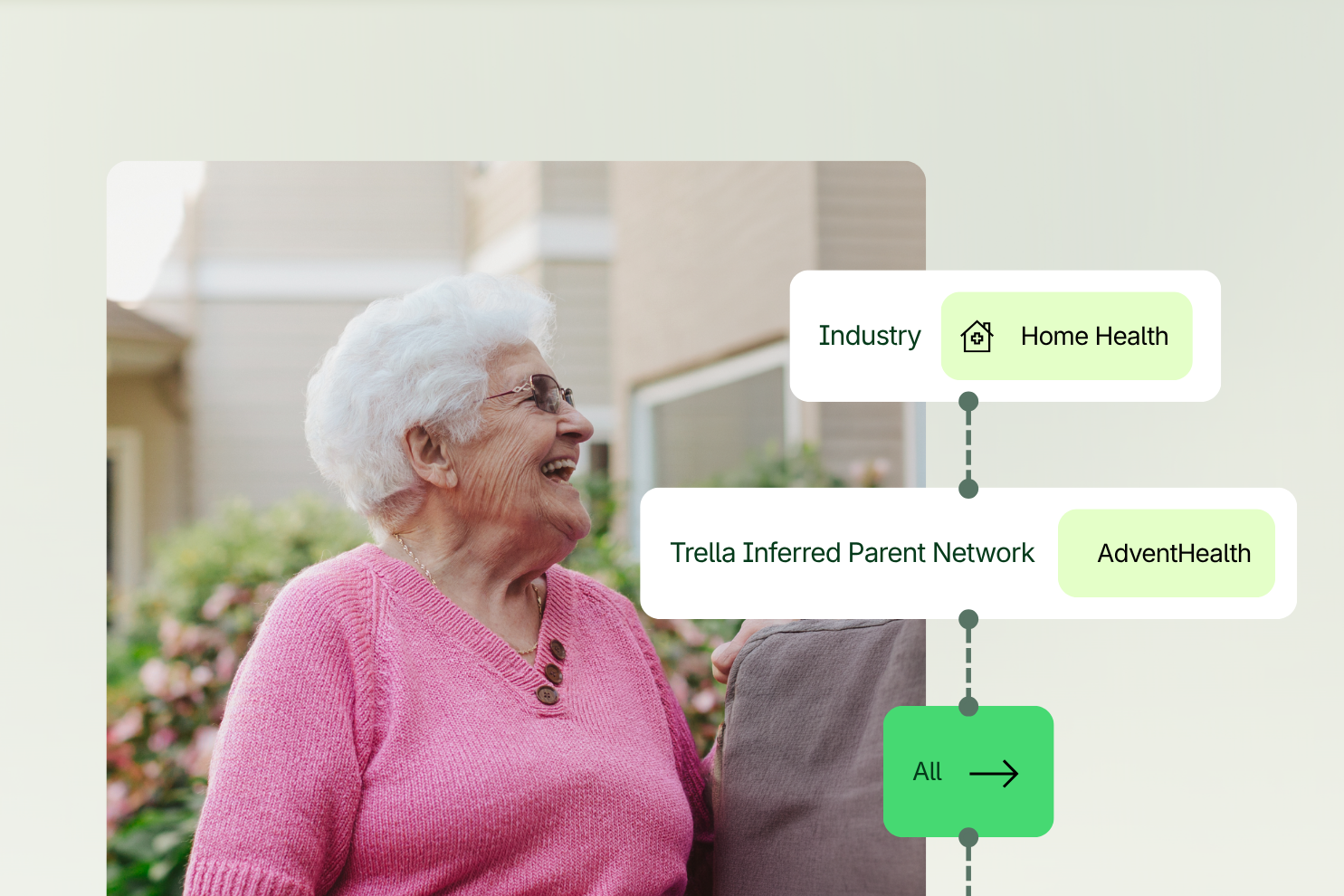

Your CRM already holds years of account history. The problem is that your reps still have to dig for it. In our recent webinar, How AI Is Reshaping Sales Workflows: A More Proactive Approach to Referral Growth, Trella’s Anthony Trosky, Director of Product for CRM, and Josh Price, Senior Solutions Engineer, showed how AI Assist and AI Trella Takeaways turn the Trella CRM from a system of record into a system of intelligence that works for your team.
One early customer saw a 53% increase in notes logged and an 8% reduction in time spent on documentation in the first 25 days after launch. Below are the key moments from the session, each with a video clip and a look at how Trella helps.
On-demand webinar
See AI Assist in action in the full webinar
Watch Anthony Trosky and Josh Price walk through the live demo, the early results, and what’s coming next for AI in the Trella CRM.
Watch the full webinarThe CRM has the history. The rep still has to find it.
Josh opened with a story from his first sales job at an EHR company. The CRM held 15 to 30 years of account history, but the notes were inconsistent and scattered across years of rep turnover. As a new rep, he spent about 20 minutes digging through notes before he could make a single call.
That is the core problem AI solves: making sense of the history you already have, remembering the follow-ups you promised, and giving a new rep who inherits an account a real starting point.
How Trella Helps
- AI Trella Takeaways summarize account history, prior interactions, and next steps so reps don’t have to read every past note.
- Account continuity means relationship knowledge stays with the account, not in one rep’s head, even when territories change.
- New reps can walk into their first visit prepared instead of starting from scratch.
Keep AI inside the CRM, not scattered across tools
Your reps are probably already using AI, but where? When they copy account notes into outside tools, you lose consistency, governance, and visibility. Bringing AI into the CRM keeps your data where it belongs and makes reps more likely to use the tools you already provide.
How Trella Helps
- Standardized notes across every rep, so handoffs and new hires start from consistent documentation.
- Data governance: AI Assist works within the Trella CRM, so account data doesn’t need to leave your platform.
- Transparency for managers, who can see what’s happening in each account and how reps are using AI.
From system of record to a CRM that works for you
Anthony explained how the CRM has historically been retrospective: great for logging visits and tracking KPIs, but heavy on searching and admin work. With AI layered in, the focus shifts from tracking activity to what matters most. AI Assist acts as a digital assistant that prepares reps before they engage a referring provider, reconciled against what was documented last time.
How Trella Helps
- AI Assist proactively surfaces the right information at the right time, cutting manual searching.
- Reps walk into every referral source conversation prepared and focused on what was discussed and promised before.
- Less time on admin means more time growing referral relationships and serving more patients.
What AI means for sales leaders
For leaders, AI Assist supports three priorities: focused coaching conversations, account continuity as people join, leave, or change roles, and team productivity. Anthony described it as “a built-in coach for your team” that also gives leaders time back on admin and prep work.
How Trella Helps
- Coaching: leaders get quick, summarized context on accounts to drive meaningful one-on-ones.
- Continuity: account data stays in context of the account, regardless of how new or tenured the assigned rep is.
- Productivity: reps can help themselves with AI Assist, so leaders spend less time on preparation and more on development.
A simple three-step rep workflow: Prepare, Engage, Capture
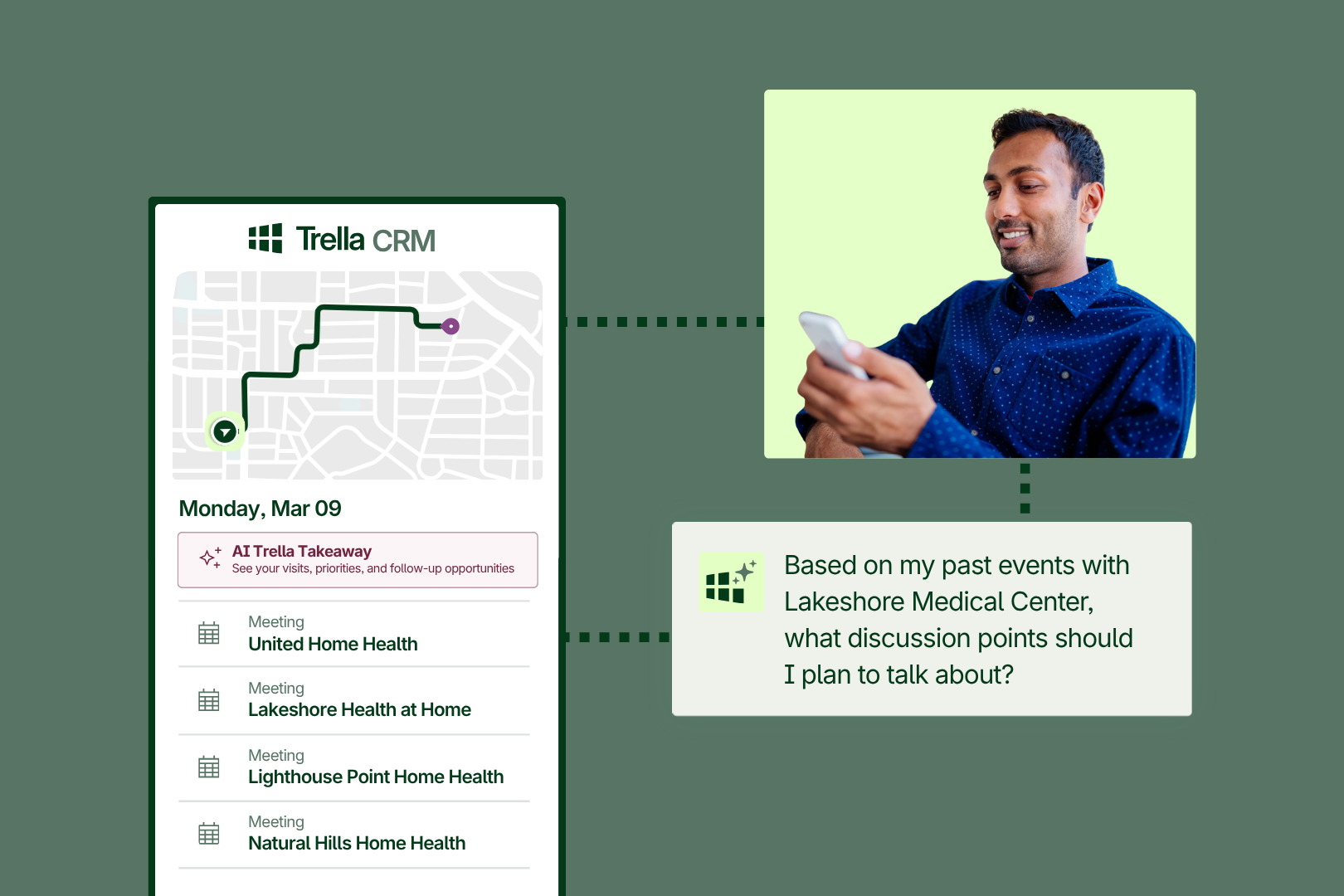
AI Assist answers the questions reps used to rely on memory for: What did I learn? What should I talk about next time I meet with Dr. Young? What should I follow up on? Trella built the rep workflow around three steps:
- Prepare: a summarized pre-call view of account and contact history and prior interactions.
- Engage: a conversational assistant reps can ask questions of, right from the mobile app.
- Capture: note strengthening that prompts reps to document key follow-ups and action items.
How Trella Helps
- AI Assist is always working in the background, supporting reps even when their manager isn’t in the field with them.
- Pre-call plans make sure reps follow up on the patient, referral, or program they meant to discuss.
- Stronger notes today mean better AI insights for the next visit.
Early results: more notes, less time
In the first 25 days after launch, one Trella customer logged 53% more notes while spending 8% less time on documentation. Richer data goes into the CRM, and AI uses it to make every next interaction better. Anthony called it “a true return on time.”
How Trella Helps
- AI note summarization makes documentation faster, so reps log more without adding admin burden.
- Every note enriches account history, which powers better AI Trella Takeaways for the next visit.
- Leaders get higher-quality data for coaching and reporting.
Demo: start the day with AI Trella Takeaways
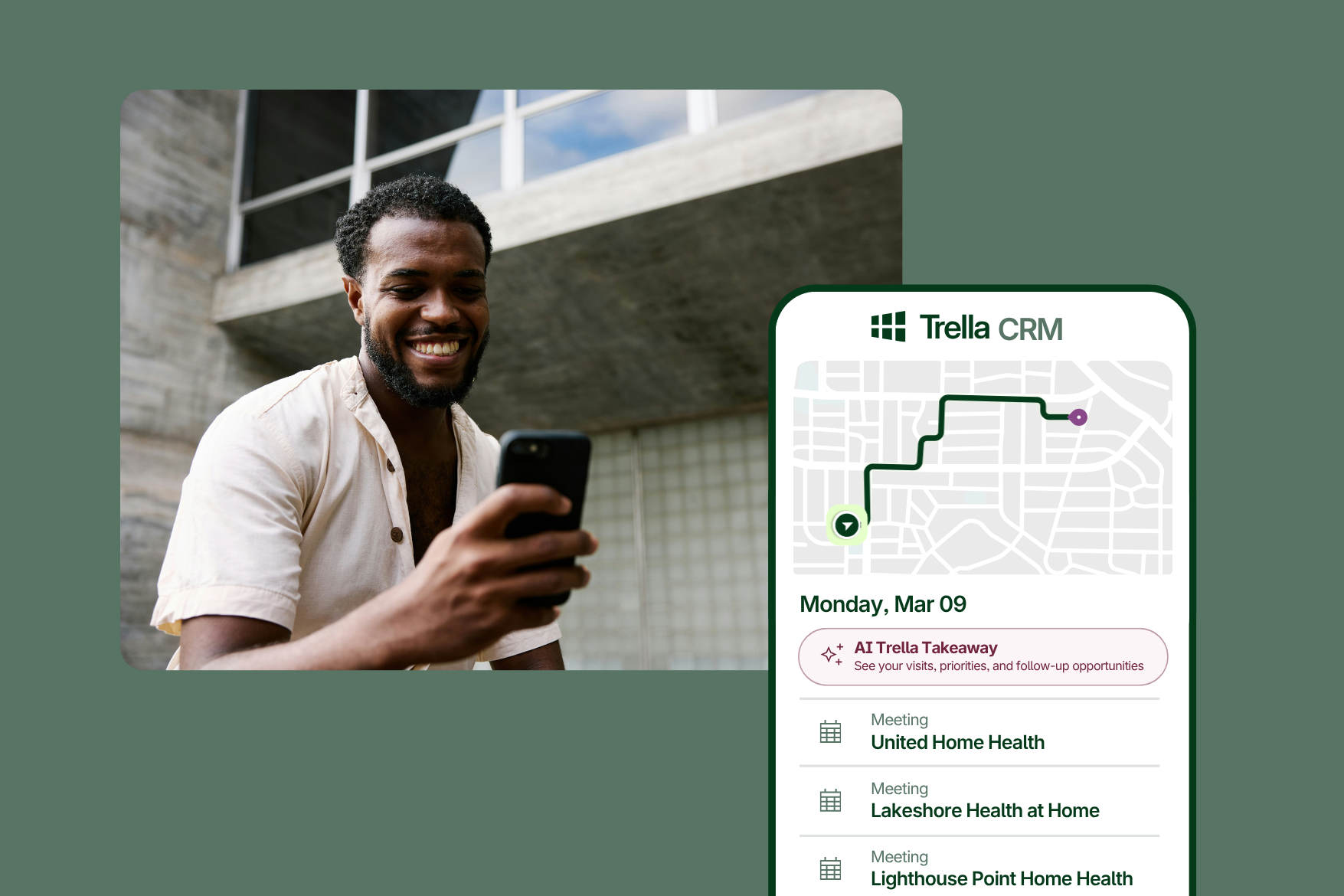
Josh walked through the Trella CRM mobile app, built for reps in the car between calls. The first stop is the daily AI Trella Takeaway on the home screen: a priority focus, a quick summary of each scheduled event, suggested talking points, follow-up reminders, and flags such as events with no contacts attached. Reps can also ask follow-up questions and rate responses with thumbs up or down.
How Trella Helps
- One glance each morning shows reps where to focus and what to follow up on.
- Designed for speed: reps get what they need and get back on the road.
- Built-in feedback helps Trella keep improving AI responses for your team.
Demo: pre-call prep in the five minutes before a visit
Sitting in the car five minutes before an appointment, a rep opens the account and sees an AI Trella Takeaway at the top: recent visit highlights, discussion points, action items, next steps, and additional context. That’s especially valuable for home health and hospice agencies where separate reps cover different service lines at the same account.
On-demand webinar
See AI Assist in action in the full webinar
Watch Anthony Trosky and Josh Price walk through the live demo, the early results, and what’s coming next for AI in the Trella CRM.
Watch the full webinarHow Trella Helps
- No more scrolling through historical notes before a visit.
- Reps see what colleagues on other service lines documented, so no one shows up unprepared.
- Every visit starts with the commitments made last time.
Demo: capture notes by voice in about a minute
After the meeting, Josh recorded a long, conversational voice note about meeting with Dr. Smith, reviewing the referral process, and dropping off brochures for a new cardiology program. AI Assist summarized it into a clean note, and one tap on “Use this as note” saved it to the event. “That took a minute of my time,” Josh said.
How Trella Helps
- Reps log notes right after the visit instead of at the end of the day.
- AI turns rambling voice notes into standardized, usable documentation.
- AI prompts help reps capture the follow-ups and action items that matter.
- The workflow supports what reps already do: plan, execute, follow up.
What’s next: availability and the road ahead
AI Assist and AI Trella Takeaways reach general availability on October 5. They will be on by default for all Trella CRM customers, and admins can turn them on or off in event settings. Want it sooner? Reach out to your sales rep, client success manager, or Trella support to enable it during the current beta.
This is just the beginning. Coming next:
- AI Trella Takeaways on the web app, expected next month, based on beta customer feedback.
- Ask Trella AI, which will let users ask questions of Trella’s data, including 8.5 billion claims, and get answers in seconds.
Q&A highlights
| Question | Answer |
|---|---|
| Does turning it on apply to everyone? | Yes. It’s a global setting for all users with a Trella CRM license. |
| Is there an additional cost? | No. AI Assist and AI Trella Takeaways are included in your license. |
| Are there usage or prompt limits? | No limits. The more you use it, the better your documentation and the product get. |
| Does AI Assist only pull from calendar events? | No. The home screen summarizes your scheduled day, and account and contact views summarize historical notes too. |
| Can AI build an optimized route for the day? | Not today. Route optimization is on the roadmap, expected in 2027. |
| Will you share trends from user data? | Yes. Upcoming embedded dashboards will show engagement data, such as who reps are and aren’t seeing, and reach and frequency trends. |
The takeaway: from passive to proactive
Your reps and leaders are already using AI. The real question is whether that work happens inside your CRM or outside it. Keeping it inside pays reps back for documenting, gives leaders visibility, and turns years of historical data into insights in seconds. The result is a more proactive workflow: less time on manual work and more time building referral relationships.
Ready to turn on AI Assist? Trella CRM customers can contact their client success manager or Trella support to enable it before October 5. Not a customer yet? Request a demo to see how Trella helps your team grow referrals.
Watch the full webinar recording on demand.